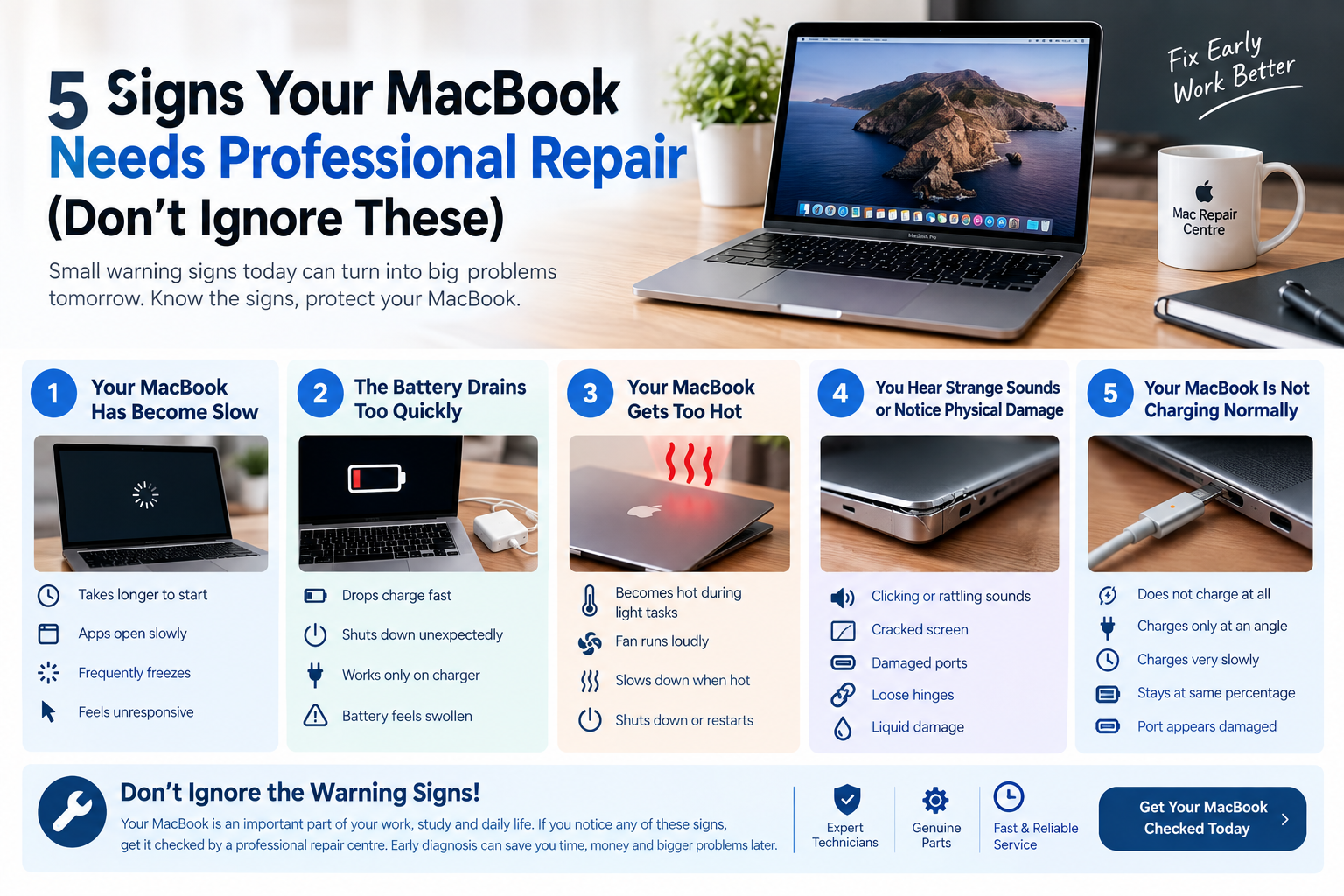
MacBook Screen Flickering Causes and Solutions Guide
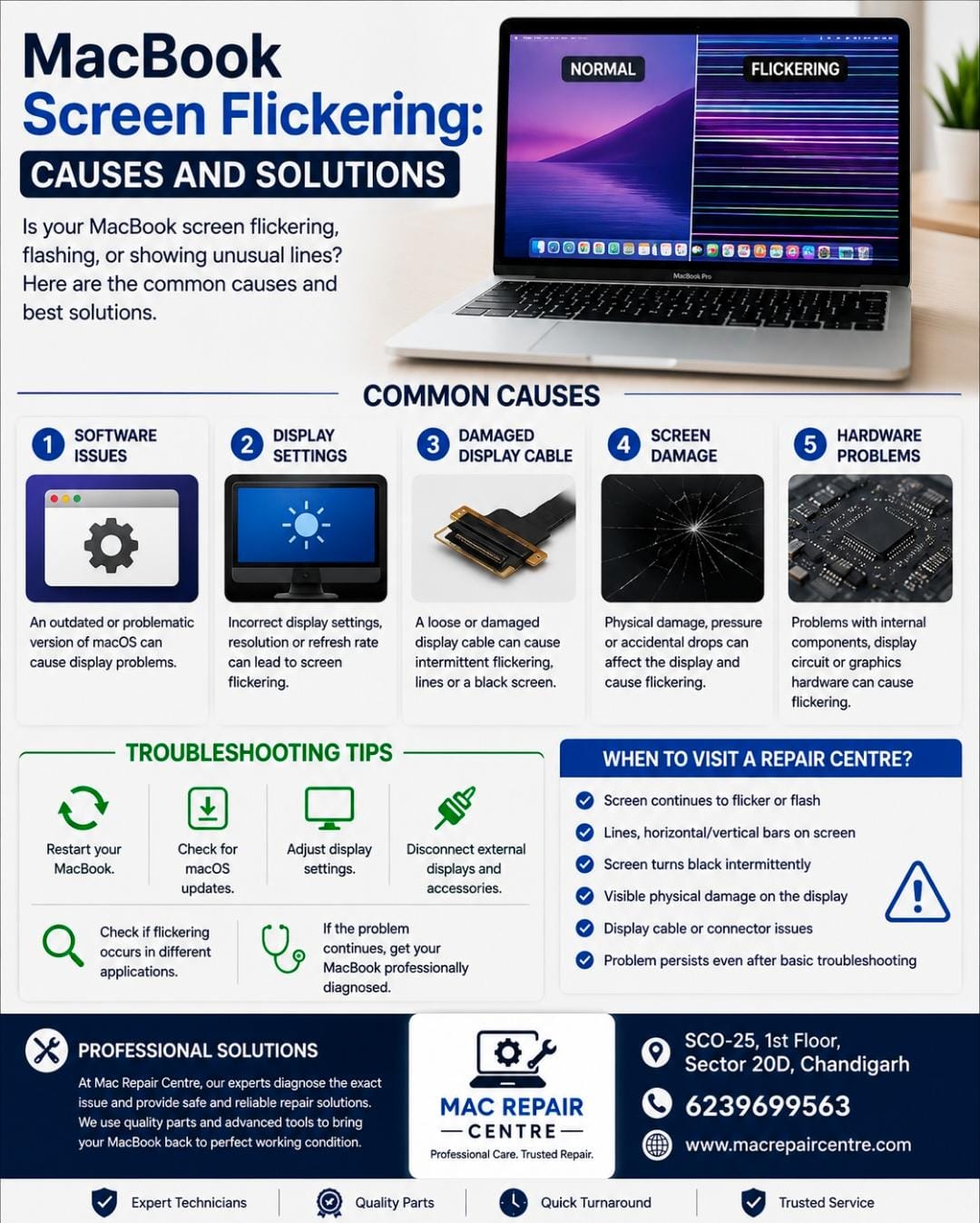
MacBook Screen Flickering : Causes and Solutions
Is your MacBook screen flickering , flashing , or showing unusual lines ?
Screen flickering can be caused by software problems , display settings , damaged cables , or internal hardware issues . Identifying the causes early can help prevent further damage .
Common Causes of MacBook Screen Flickering
1. Software Issue
An outdated or problematic version of macOS can sometimes cause display problems . Keeping macOS updated may help resolve software related issues .
2. Display Settings
Incorrect display settings or changes in resolution and refresh rate can sometimes lead to screen flickering .
3. Damaged Display Cable
A loose or damaged display cable can cause intermittent flickering , lines , or a screen that turns on and off .
4. Screen Damage
Physical damage pressure , or accidental drops can affect the MacBook display and cause flickering or other visual problems .
5. Hardware Problem
Problem with internal components , the display circuit , or graphics hardware may also cause persistent screen flickering .
How to Troubleshoot Screen Flickering
• Restart your MacBook
• Check for available macOS updates
• Try adjusting the display setting
• Disconnect external displays and accessories
• Check whether the flickering occurs in different applications
• If the problem continues , get your MacBook professionally diagnosed
When Should You Visit a Repair Centre?
If your MacBook screen continues to flicker ,shows lines , goes black intermittently , or has visible physical damage , professional inspection is recommended .
At Mac Repair Centre , our technicians can diagnose MacBook display problems and recommended the appropriate repair .
MacBook Repair in Chandigarh
Mac Repair Centre
SCO- 25 , 1st floor , Sector- 20D, Chandigarh
6239699563
For professional MacBook services , visit Mac Repair Centre