MacBook Bluetooth Not Working : Causes and Solutions
MacBook Bluetooth Not Working : Causes and Solutions
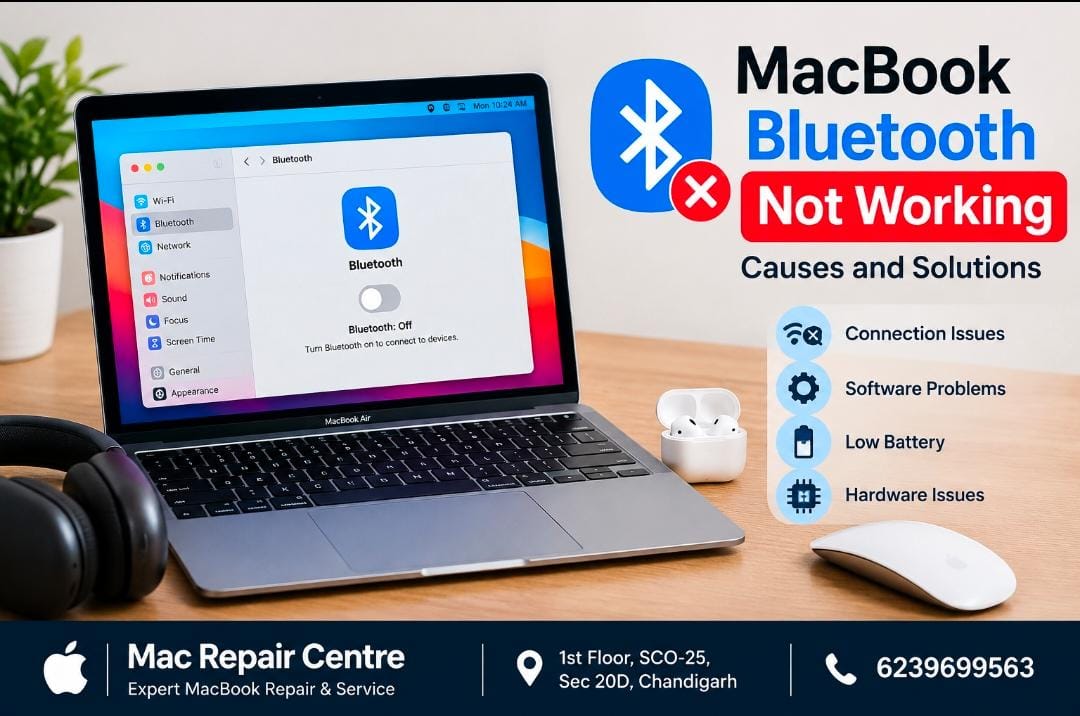
Bluetooth is an important feature on a MacBook for connecting wireless headphones , keyboards , mice , speakers and other devices . If Bluetooth is not working properly , it can be frustrating . Here are some common causes and solutions .
Common Causes of Bluetooth Problems
1. Bluetooth is Turned Off
Make sure Bluetooth is enabled in your MacBook’s settings .
2 . Connection Issues
Your wireless device may be too far from the MacBook or may have a weak connection . Keep the device nearby and try connecting again .
3 . Low Battery in the Bluetooth Device
Wireless accessories with low battery may disconnect frequently or fail to connect .
4 . Software Issues
Temporary macOS glitches can sometimes affect Bluetooth connectivity . Restarting the MacBook may resolve minor software problems .
5 . Bluetooth Hardware Problems
If Bluetooth continues to fail even after basic troubleshooting , there may be a hardware or internal connectivity issue that requires professional inspection .
How to Fix Bluetooth Problems
• Turn Bluetooth off and on again .
• Restart your MacBook .
• Restart the Bluetooth accessory .
• Charge the wireless device .
• Remove the device and pair it again .
• Check for available macOS updates .
Need Professional MacBook Repair ?
If your MacBook Bluetooth is still not working after troubleshooting , professional diagnosis may be required .
Mac Repair Centre provides MacBook repair and diagnostic services in chandigarh .
Address : 1st Floor , SCO-25 , Sec-20D ,
Chandigarh
Contact: 6239699563