
MacBook Liquid Damage Guide
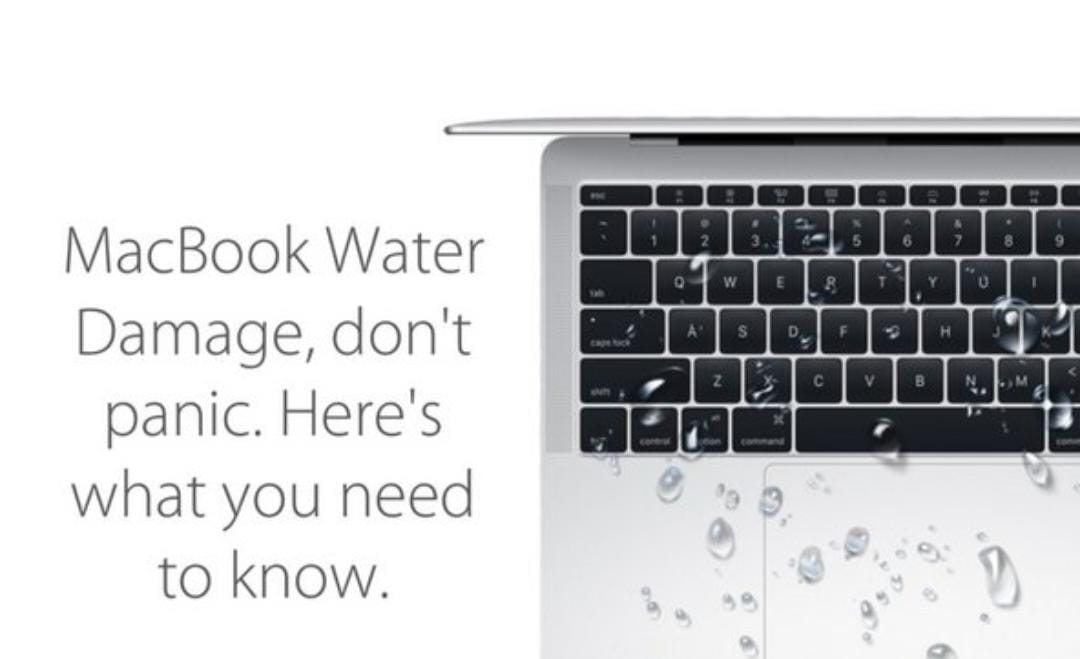
MacBook Liquid Damage Repair:
What to Do If Your MacBook Gets Wet
Accidentally spilled water, coffee, or any other liquid on your MacBook? Don’t panic. Acting quickly can chances of saving your device and preventing permanent damage.
Common Signs of Liquid Damage
• MacBook won’t turn on
• Keyboard or trackpad stops working
• Screen flickers or remain black
• Battery drains unusually fast
• Charging issues
• Random shutdowns or overheating
What Do Immediately
• Turn off your MacBook immediately
• Disconnect the charger and all accessories
• Do not try to turn it back on
• Wipe off any visible liquid with a soft, dry cloth
• Keep the MacBook in an upside-down “tent” position to help drain excess liquid
• Take it to a professional repair technician as soon as possible
What You Should Not Do
• Don’t use a hair dryer or direct heat
• Don’t place it in rice- it rarely solves the problem
• Don’t keep charging or powering it on
• Don’t open the MacBook unless you’re trained to do so
Why Professional Liquid Damage Repair
Matters
• Liquid can corrode internal components within hours. A professional technician can inspect the logic
Board, clean corrosion using specialized equipment, test damaged components, and repair or
Replace faulty parts before the damage spreads.
Why Choose Our Mac Repair Centre
Services?
• Experienced Apple Device Technicians
• High – quality replacement parts
• Data recovery assistance
• Fast turnaround time
• Affordable and transparent pricing
Contact Us Today
If your MacBook has suffered liquid damage , don’t wait. The sooner it is inspected , the better the chances of a successful repair. Contact Mac Repair Centre Expert MacBook Repair team today for a professional diagnosis and reliable repair service.