
MacBook Camera Not Working : Causes and Solutions Guide
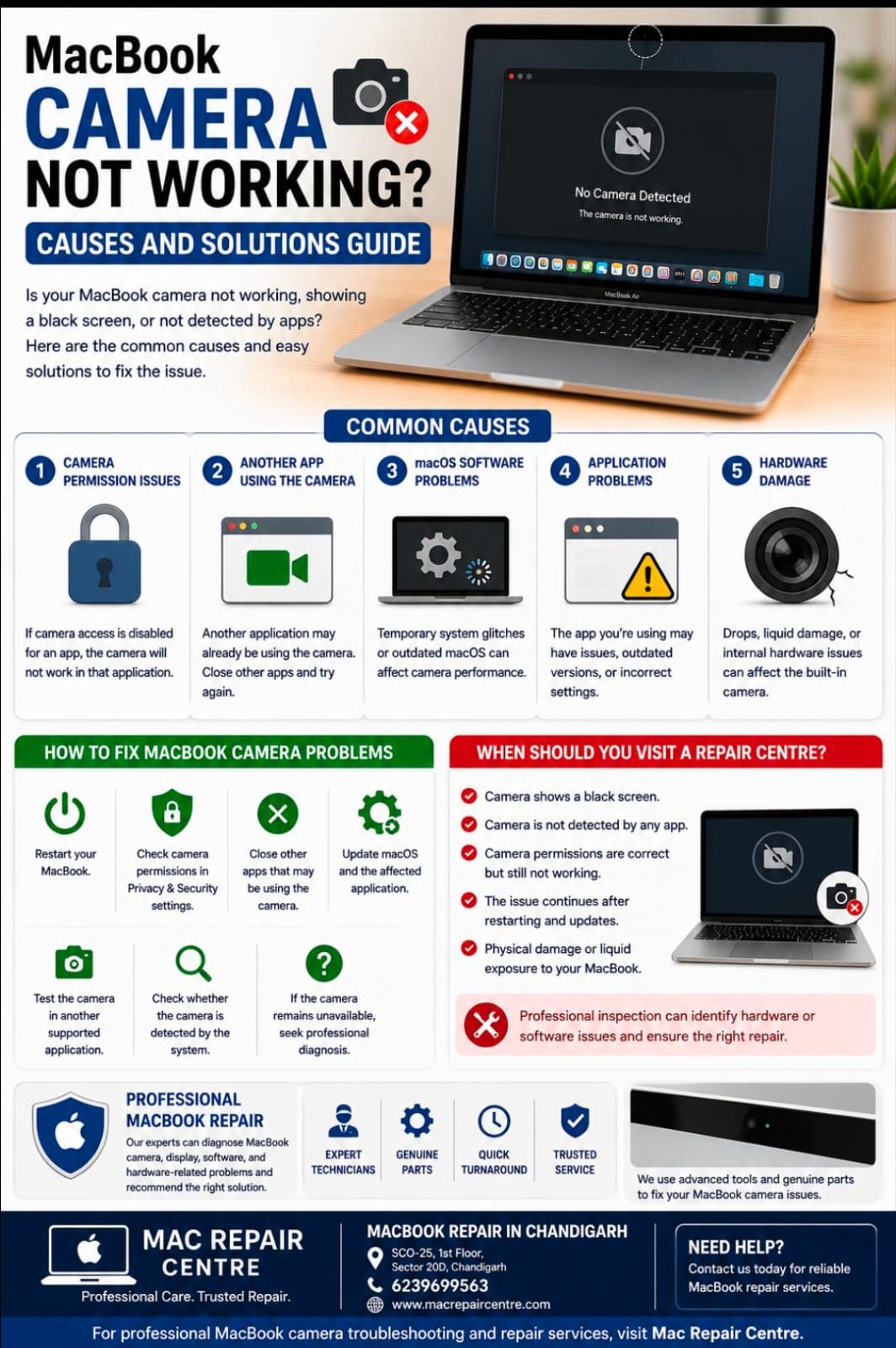
MacBook Camera Not Working: Causes and Solutions
The MacBook camera is useful for video calls, online meetings, classes, and content creation. If your camera is not working, shows a black screen, or is not detected by an application, the problem may be caused by privacy settings, software issues, another application using the camera, or hardware damage.
Common Causes of MacBook Camera Problems
1. Camera Permission Issues
macOS requires applications to have permission to access the camera. If camera access is disabled for an application, the camera may not work properly.
2. Another Application Using the Camera
Sometimes another application may already be using the camera. Closing video-call or camera applications and reopening the application you need can resolve the issue.
3. macOS Software Problems
Temporary system glitches or outdated macOS can affect camera functionality. Restarting the MacBook and installing available software updates may help.
4. Application Problems
If the camera works in one application but not another, the issue may be related to the application's settings, permissions, or software version.
5. Hardware Damage
Accidental drops, liquid damage, or internal component problems can affect the built-in camera and its connection.
How to Fix MacBook Camera Problems
Restart your MacBook.
Check camera permissions in macOS Privacy & Security settings.
Close other applications that may be using the camera.
Update macOS and the affected application.
Test the camera in another supported application.
Check whether the camera is detected by the system.
If the camera remains unavailable, seek professional diagnosis.
When Should You Visit a Repair Centre?
If the camera shows a black screen, is not detected by any application, or continues to fail after checking permissions and restarting the MacBook, professional inspection may be required.
At Mac Repair Centre, our technicians can diagnose MacBook camera, display, software, and hardware-related problems and recommend the appropriate repair.
MacBook Repair in Chandigarh
Mac Repair Centre
Address: SCO-25, 1st Floor, Sector 20D, Chandigarh
Contact: 6239699563
For professional MacBook camera troubleshooting and repair services, visit Mac Repair Centre.