Display Cable Problems Guide
MacBook Display Cable Problems: Causes and Solutions
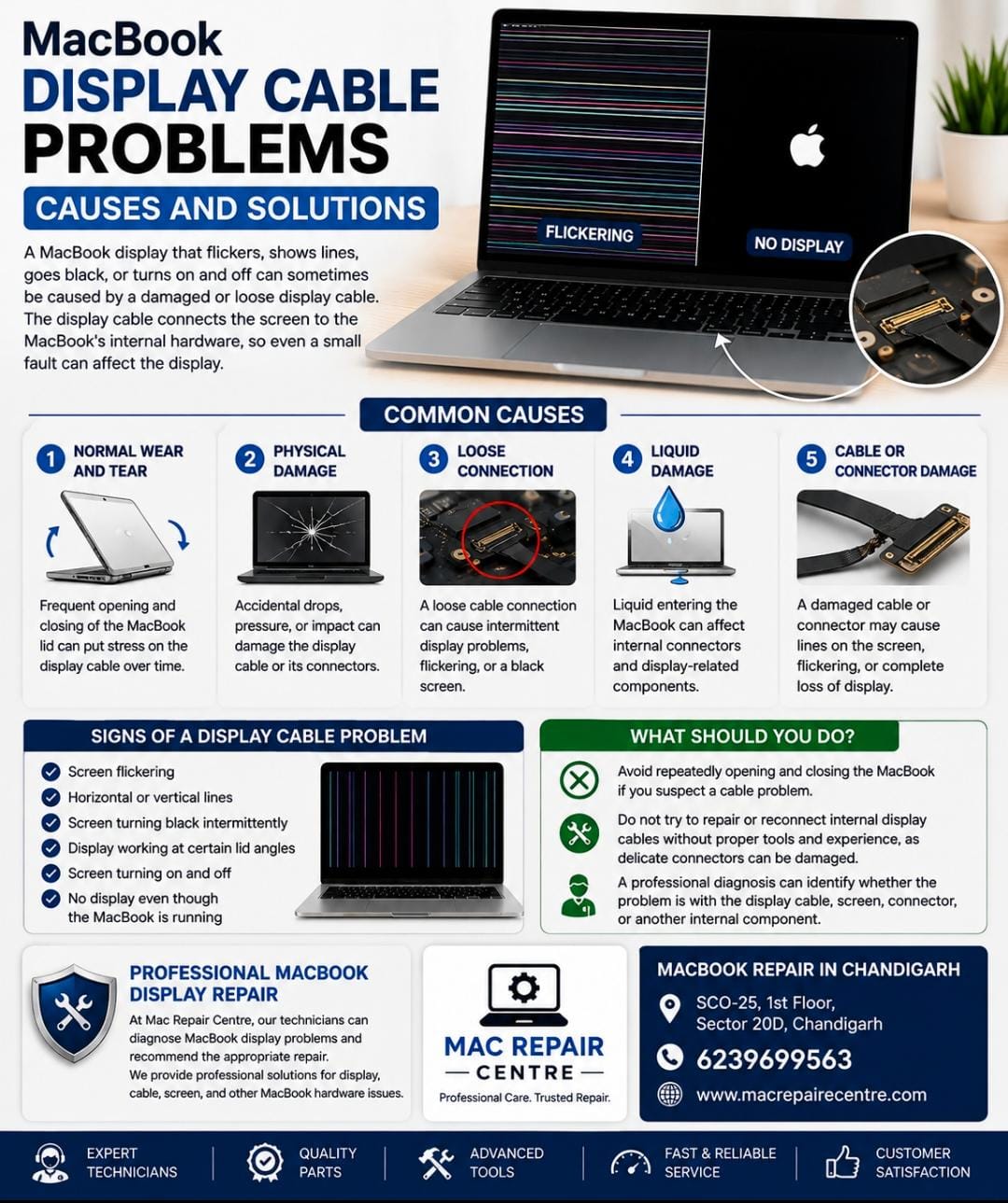
A MacBook display that flickers, shows lines, goes black, or turns on and off can sometimes be caused by a damaged or loose display cable. The display cable connects the screen to the MacBook's internal hardware, so even a small fault can affect the display.
Common Causes of Display Cable Problems
1. Normal Wear and Tear
Frequent opening and closing of the MacBook lid can put stress on the display cable over time.
2. Physical Damage
Accidental drops, pressure, or impact can damage the display cable or its connectors.
3. Loose Connection
A loose cable connection can cause intermittent display problems, flickering, or a black screen.
4. Liquid Damage
Liquid entering the MacBook can affect internal connectors and display-related components.
5. Cable or Connector Damage
A damaged cable or connector may cause horizontal or vertical lines, display flickering, or complete loss of display.
Signs of a MacBook Display Cable Problem
- Screen flickering
- Horizontal or vertical lines
- Screen turning black intermittently
- Display working at certain lid angles
- Screen turning on and off
- No display even though the MacBook is running
What Should You Do?
Avoid repeatedly opening and closing the MacBook if you suspect a cable problem. Do not try to repair or reconnect internal display cables without proper tools and experience, as delicate connectors can be damaged.
A professional diagnosis can identify whether the problem is with the display cable, screen, connector, or another internal component.
Professional MacBook Display Repair
At Mac Repair Centre, our technicians can diagnose MacBook display problems and recommend the appropriate repair. We provide professional solutions for display, cable, screen, and other MacBook hardware issues.
MacBook Repair in Chandigarh
Mac Repair Centre
Address: SCO-25, 1st Floor, Sector 20D, Chandigarh
Contact: 6239699563
If your MacBook screen is flickering, showing lines, or going black, visit Mac Repair Centre for professional diagnosis and repair.