Monitor Your Mac Battery Health Tips
Monitor Your Mac Battery Health Tips
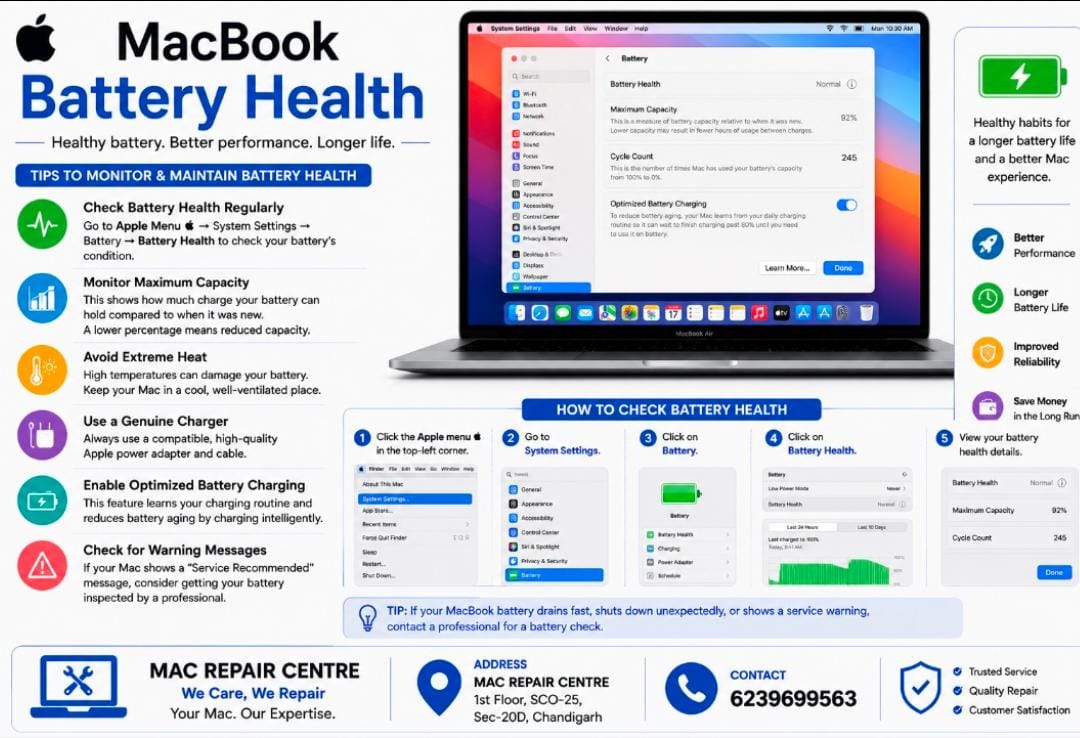
Keeping an eye on your MacBook’s battery health can help maintain battery life , performance , and reliability.
• Check Battery Health: Go to Apple Menu > System Setting > Battery > Battery Health.
• Monitor Maximum Capacity : A lower capacity means the battery may hold less charge than when new.
• Avoid Extreme Heat : Keep your Mac in a cool , well – ventilated place .
• Use a Genuine Charger: Use a compatible , quality power adapter and cable.
• Enable Optimized Battery Charging : Let macOS manage charging to help reduce battery aging .
• Check for Warning Messages : If macOS recommends battery service , consider getting in inspected .
Tip = If your MacBook battery drains unusually fast , shuts down unexpectedly , or shows a service warning , have the battery checked bya professional .